Apache Error: Request Exceeded the Limit of 10 Internal Redirects
Rewrite loop.
The error AH00124, request exceeded the limit of 10 internal redirects, means a rewrite rule sends a request in a circle. Apache stops after 10 loops and shows a 500 error.
Step 1: Find the loop in the log
The error log shows the URL that looped. Note it.
Step 2: Rename .htaccess
Rename it to .htaccess-old. If the error stops, a rule inside is the cause.
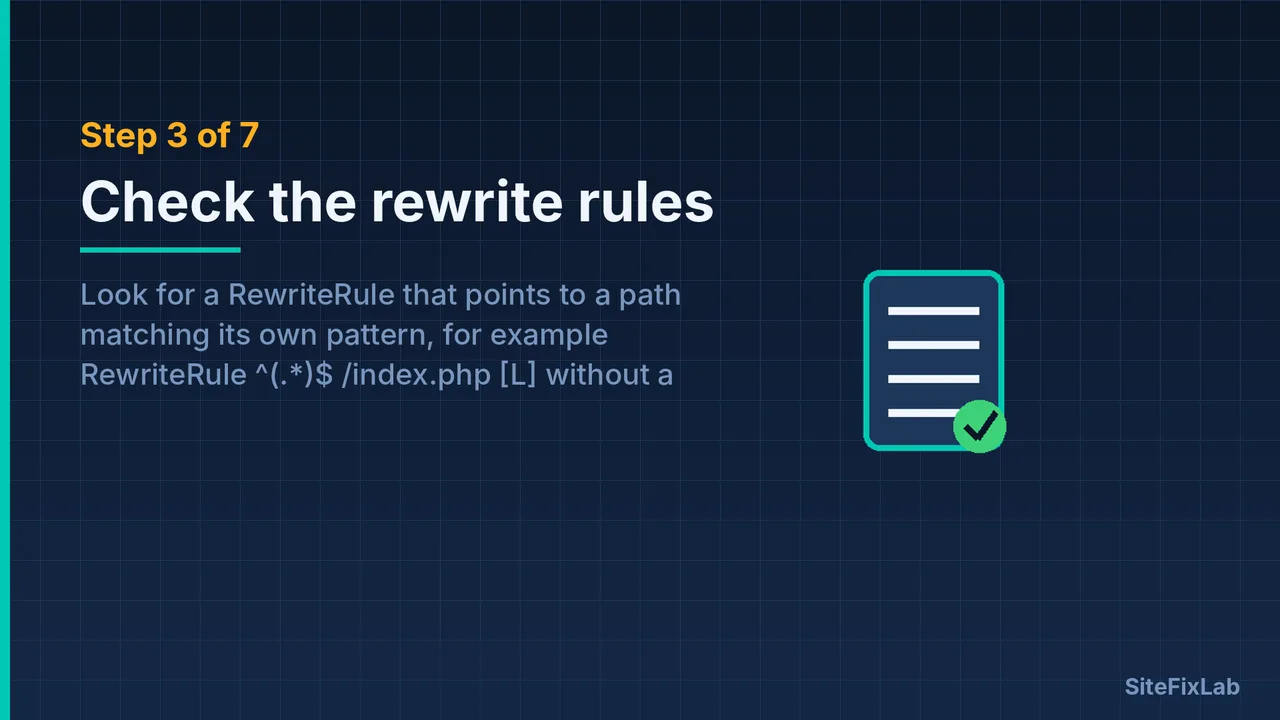
Step 3: Check the rewrite rules

Look for a RewriteRule that points to a path matching its own pattern, for example RewriteRule ^(.*)$ /index.php [L] without a condition for existing files.
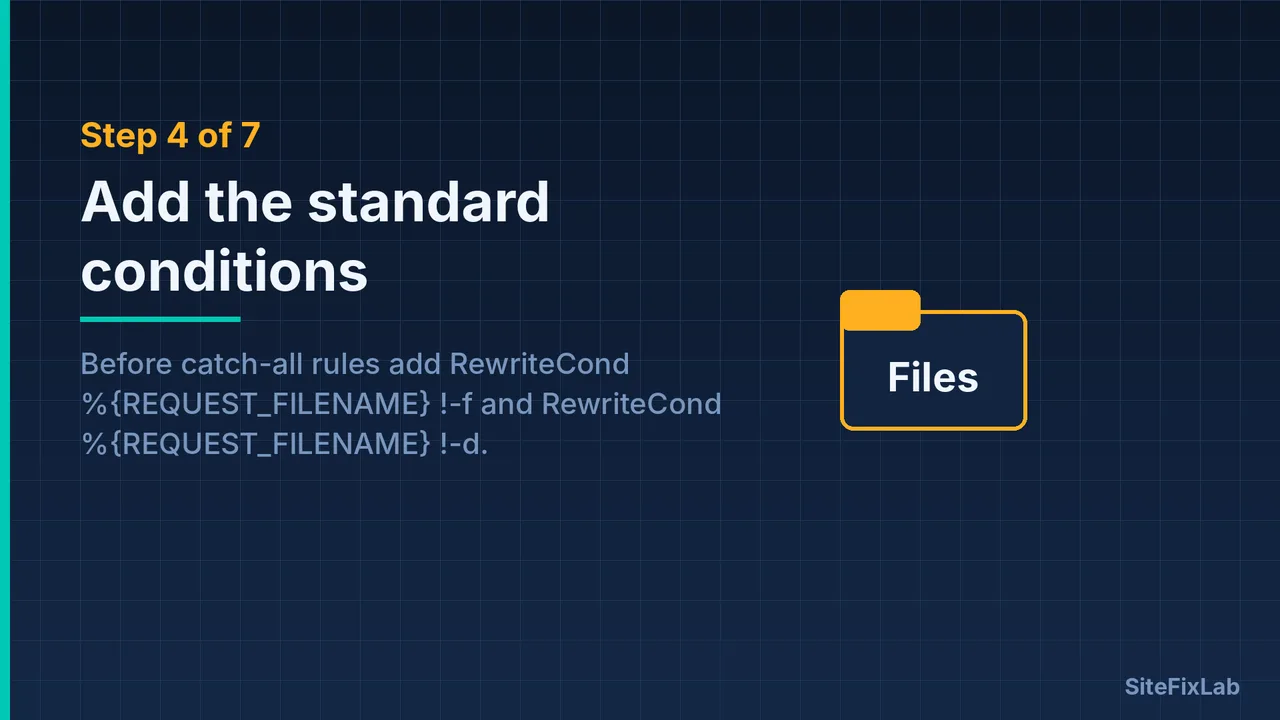
Step 4: Add the standard conditions
Before catch-all rules add RewriteCond %{REQUEST_FILENAME} !-f and RewriteCond %{REQUEST_FILENAME} !-d.
Step 5: Check HTTPS and www rules
Two rules that force www and non-www, or HTTP and HTTPS, can fight each other. Keep only one set.
Step 6: Check the site address in WordPress
In Settings, General, the WordPress Address and Site Address must match the version you force. If your site is behind Cloudflare, set SSL to Full, not Flexible.
Step 7: Rebuild the default file
In WordPress go to Settings, Permalinks and Save to regenerate .htaccess.
Still stuck?
If these steps do not solve it, we fix it for you for a flat $99. Full refund if we do not solve it within 7 days.
Related guides
- Writing Clear Error Reports: Screenshots, URLs and Steps
- WordPress Tag and Date Archives Duplicate Content: Settings
- WordPress Permalinks Change: Redirect Old URLs and Avoid 404s
- Error Establishing a Database Connection in WordPress: Full Checklist