Cookie Flags: Secure, HttpOnly and SameSite Explained
Safer cookies.
Cookie flags tell browsers how to protect cookies. Three matter most: Secure, HttpOnly and SameSite. They reduce theft and cross-site attacks.
Step 1: Secure
The cookie is sent only over HTTPS. Set it on every cookie once your site uses HTTPS.
Step 2: HttpOnly
JavaScript cannot read the cookie, which protects session cookies from cross-site scripting theft.
Step 3: SameSite=Lax
The cookie is not sent with most cross-site requests. It is a good default for logins.
Step 4: SameSite=Strict and None
Strict blocks all cross-site use. None allows it but must also be Secure.
Step 5: Set them in PHP
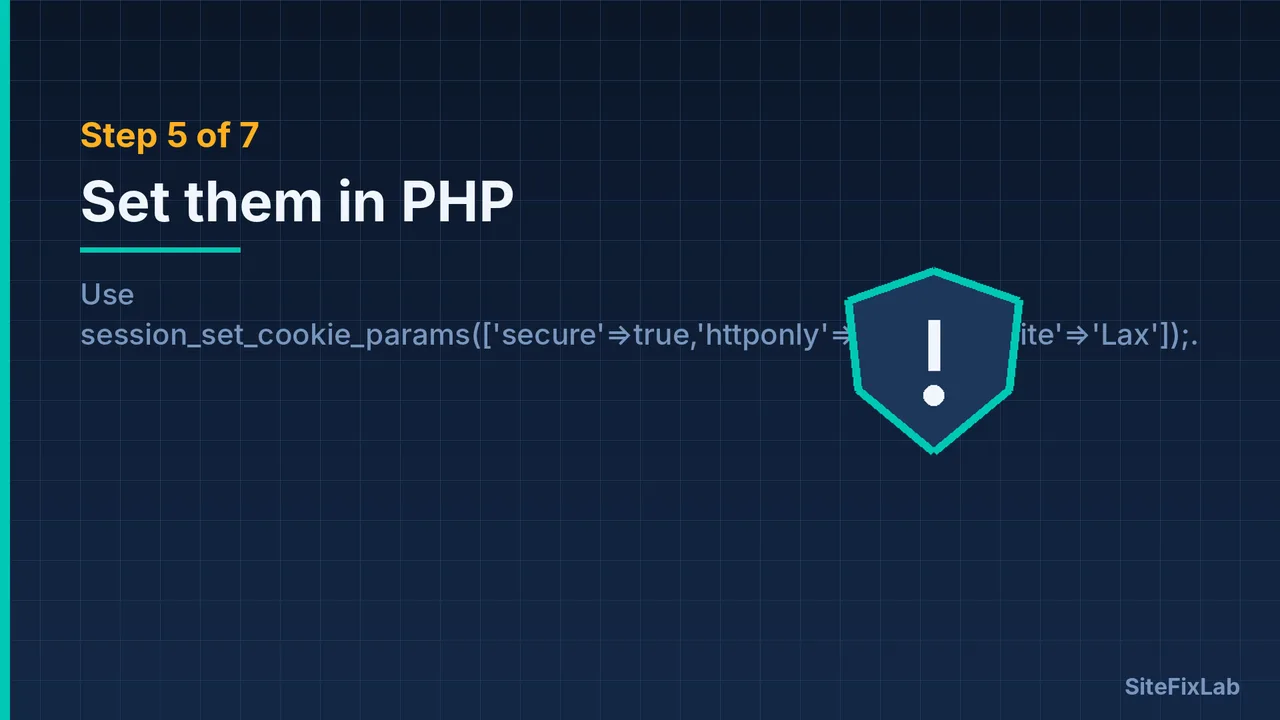
Use session_set_cookie_params(['secure'=>true,'httponly'=>true,'samesite'=>'Lax']);.
Step 6: Check in the browser
Press F12, Application, Cookies and look at the flag columns.
Step 7: WordPress
Most core cookies already use these. Check plugins that set their own.
Still stuck?
If these steps do not solve it, we fix it for you for a flat $99. Full refund if we do not solve it within 7 days.
Related guides
- WordPress User Can't See Posts They Created: Roles and Permissions
- WordPress Site Health Warnings: What To Fix First
- WordPress: Create a New Admin User via Database When Locked Out
- WordPress Automatic Updates: Enable, Disable and Safe Settings