Elementor Editor White Screen After Update
Rollback.
If the Elementor editor shows a white or endless loading screen after an update, the cause is usually a memory limit, a plugin conflict or a version mismatch between Elementor and Elementor Pro.
Step 1: Update both plugins
Elementor and Elementor Pro should be on matching current versions. Update both from Plugins.
Step 2: Raise the memory limit
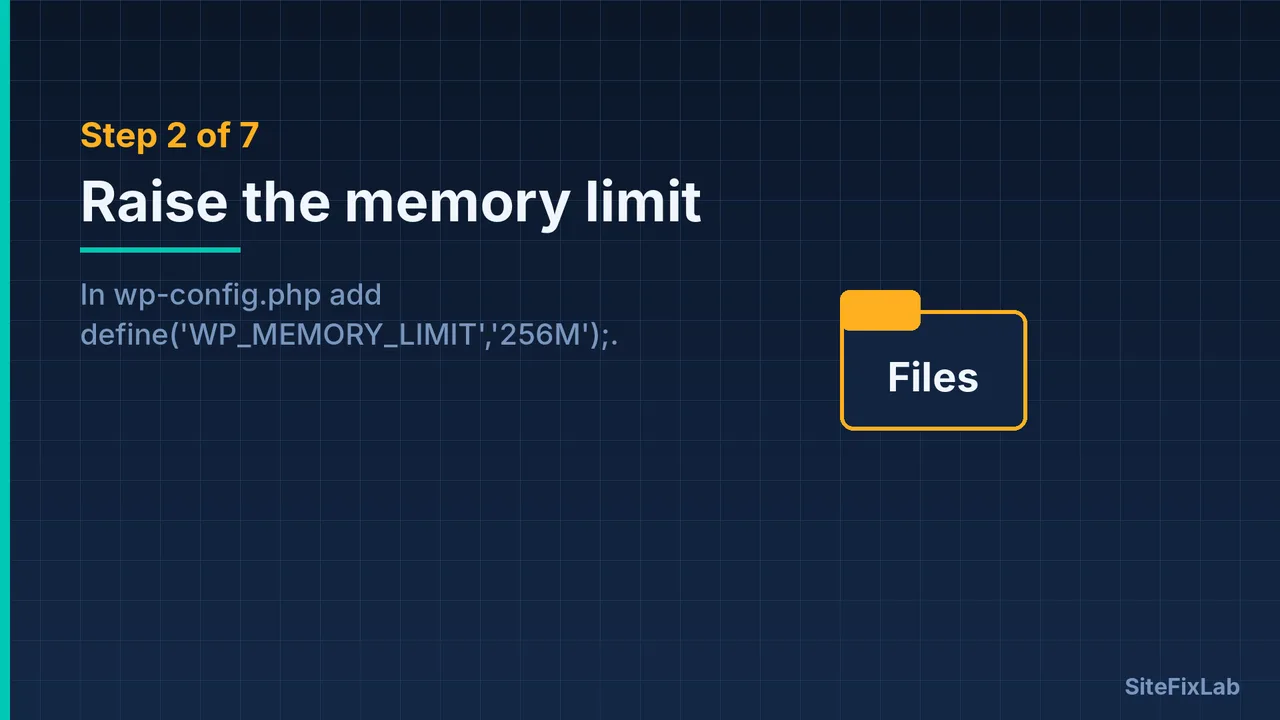
In wp-config.php add define('WP_MEMORY_LIMIT','256M');. Ask your host if it does not stick.
Step 3: Switch the loader
Elementor, Settings, Advanced, Switch Editor Loader Method. Save and retry.
Step 4: Regenerate files

Elementor, Tools, Regenerate CSS & Data. Then clear all caches.
Step 5: Test for conflicts
Use Elementor's Safe Mode in Tools, or deactivate other plugins and test.
Step 6: Roll back
In Elementor, Tools, Version Control, choose the previous version and click Reinstall.
Step 7: Check the console
Press F12 and read red errors on the editor screen.
Still stuck?
If these steps do not solve it, we fix it for you for a flat $99. Full refund if we do not solve it within 7 days.
Related guides
- Writing Clear Error Reports: Screenshots, URLs and Steps
- WordPress Tag and Date Archives Duplicate Content: Settings
- WordPress Permalinks Change: Redirect Old URLs and Avoid 404s
- Error Establishing a Database Connection in WordPress: Full Checklist